colonyflow Level 70
📝 Walkthrough
Overview
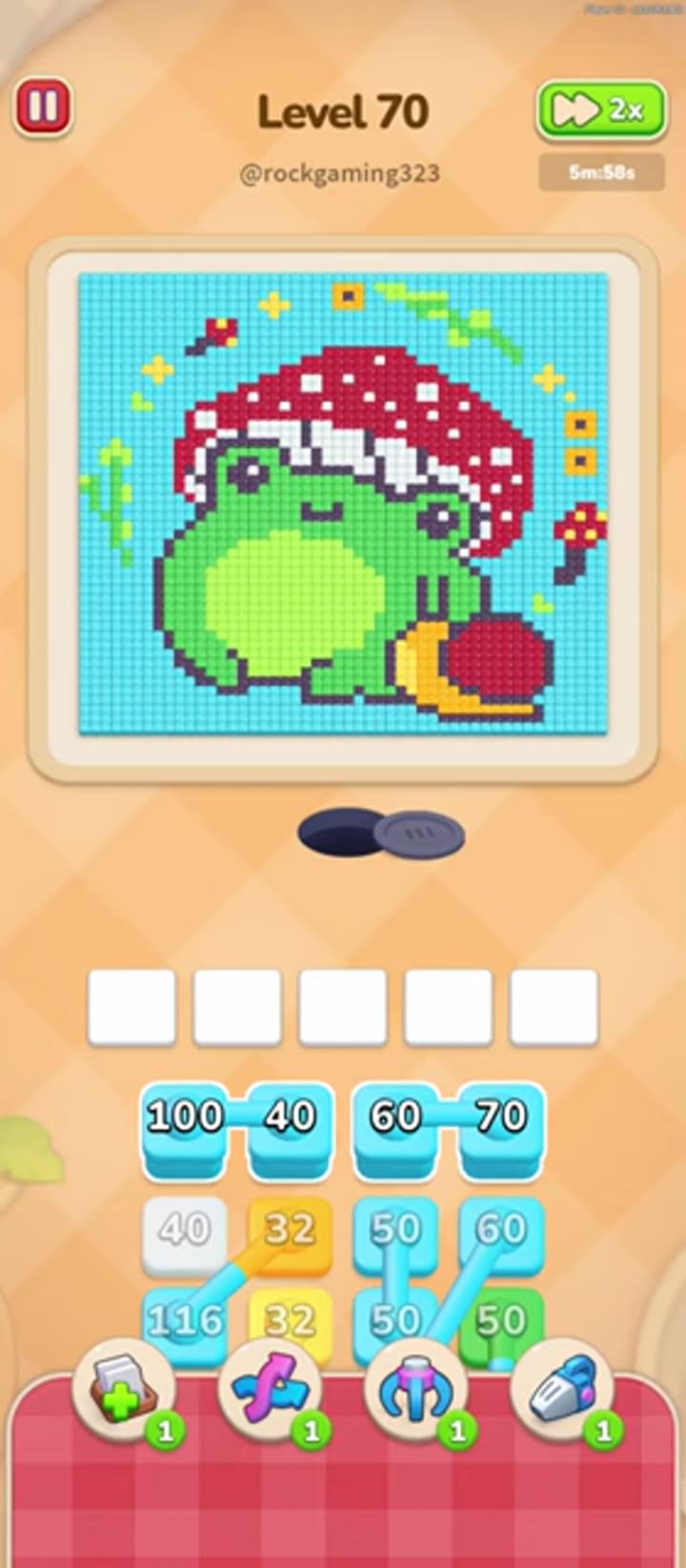
Level 70 is a Normal four-color stage whose picture is a pixel-art frog sitting beneath a red-and-white spotted mushroom, all set against a bright cyan sky. Cyan covers nearly half the board as the background, green is the frog's body, red is the mushroom cap, and orange acts as the outline and accent tiles, with tiny trace colors and white highlight dots scattered on top. The tiles are stacked in layers, so the clearing follows the picture from the outside in: the cyan background leaves first, then the red cap, then the green frog body, and orange finishes at the bottom. The real challenge is keeping the five-slot queue unjammed while the huge cyan layer carries away.
- Difficulty: Regular (Normal)
- Estimated moves: 30–40 taps
Step-by-Step Solution
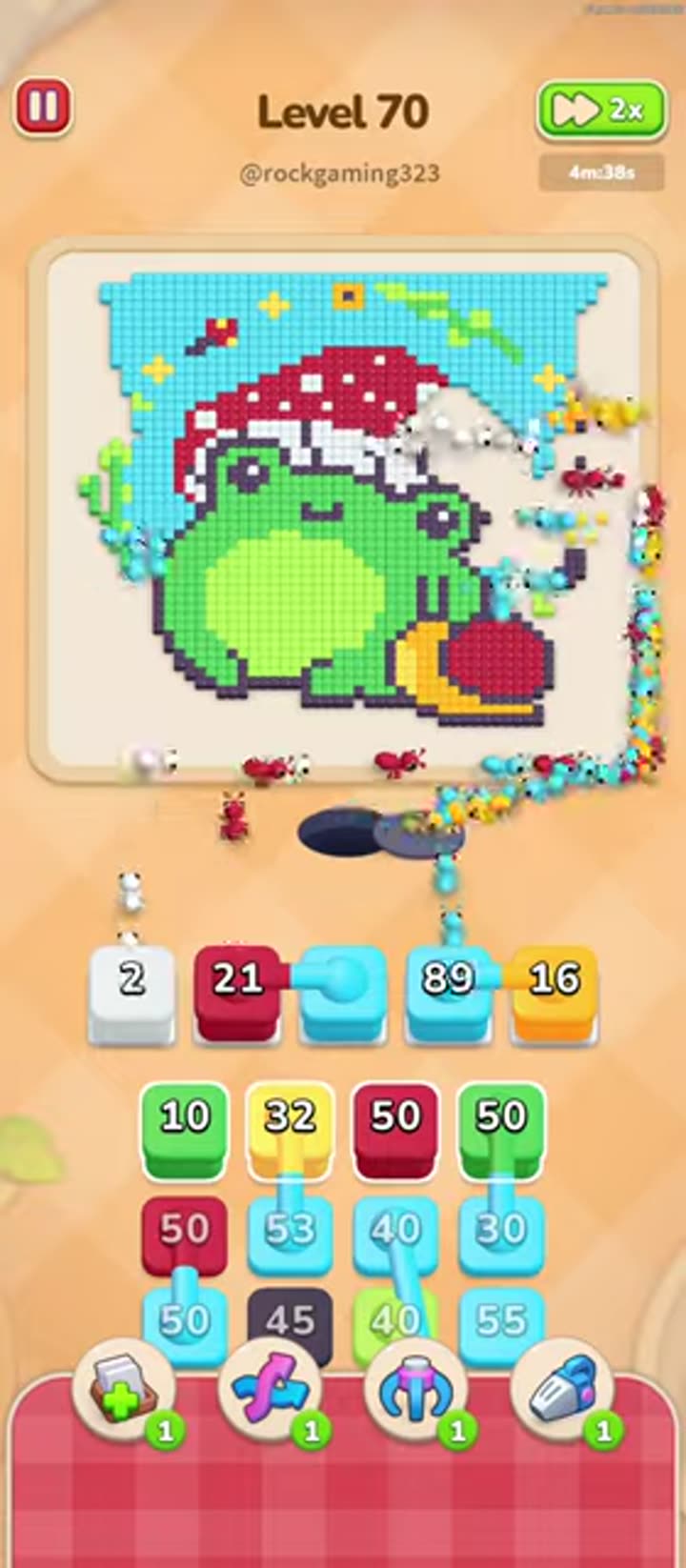
- Start with cyan. Cyan is the outermost background layer of the whole picture, so nothing underneath it can be carried away until the sky tiles are gone. Tap the cyan tile and let the ants begin the long background clear; keep the queue pointed at cyan for the opening stretch.
- Move to red next. Red forms the mushroom cap on top of the frog, and it sits on the upper layer just inside the cyan sky. Clear red in one push so the cap disappears and the colors beneath it start showing through.
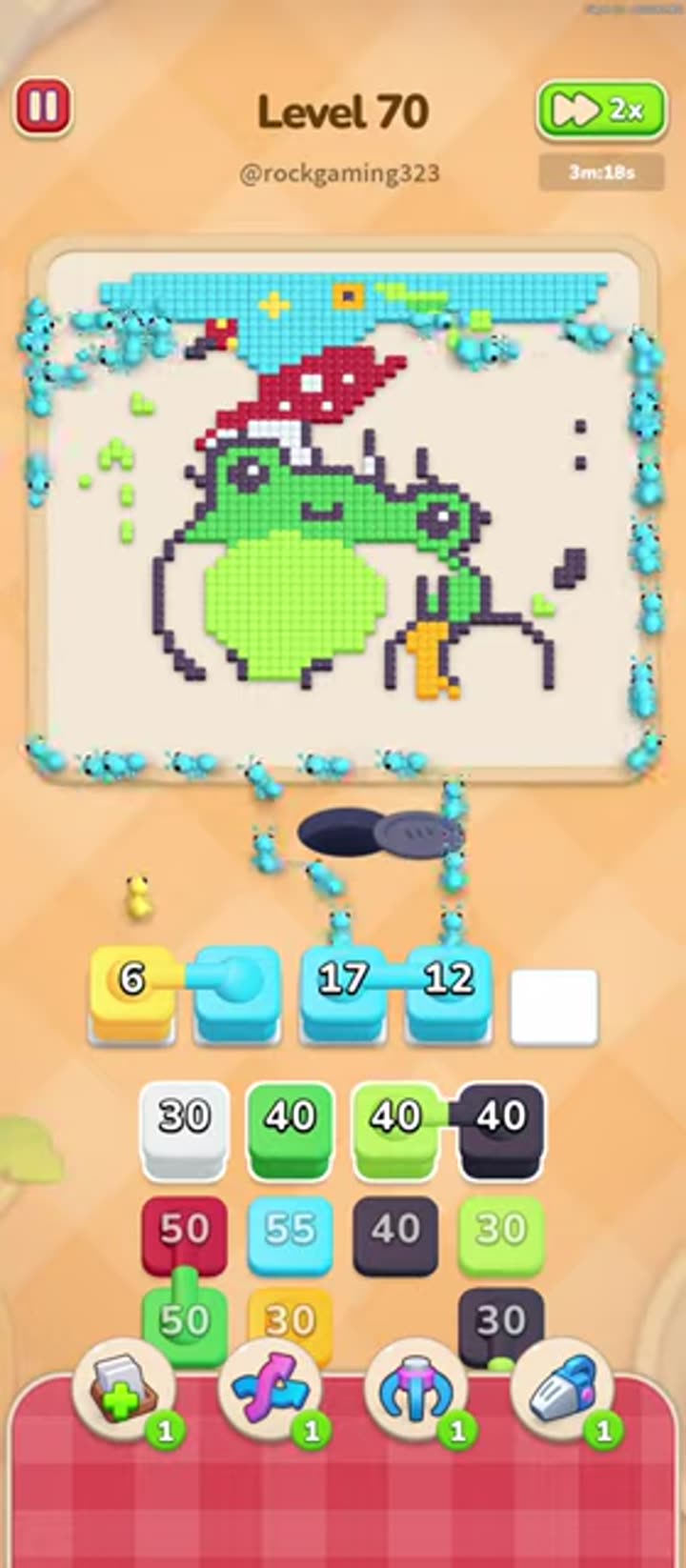
- Work the green phase. Green is the frog's body and roughly a quarter of the board, so this is the second long stretch of the level. Tap green, use the 2x speed-up button to shorten the repeated waiting, and keep the queue from filling with any second color while the ants run.
- Clear the trace colors (blue, gray, yellow, black, pink, brown) and the white mushroom dots as they are exposed. These small accents hide inside the picture, and the efficient play is to spend free queue slots on them immediately so they never block a slot during the long main pushes.
- Finish with orange. Orange is the bottom outline and accent layer, so it only becomes reachable at the very end. Sweep it in bulk; since it is the final color, it is safe to fill the queue with orange and let the ants finish the board in one last run.
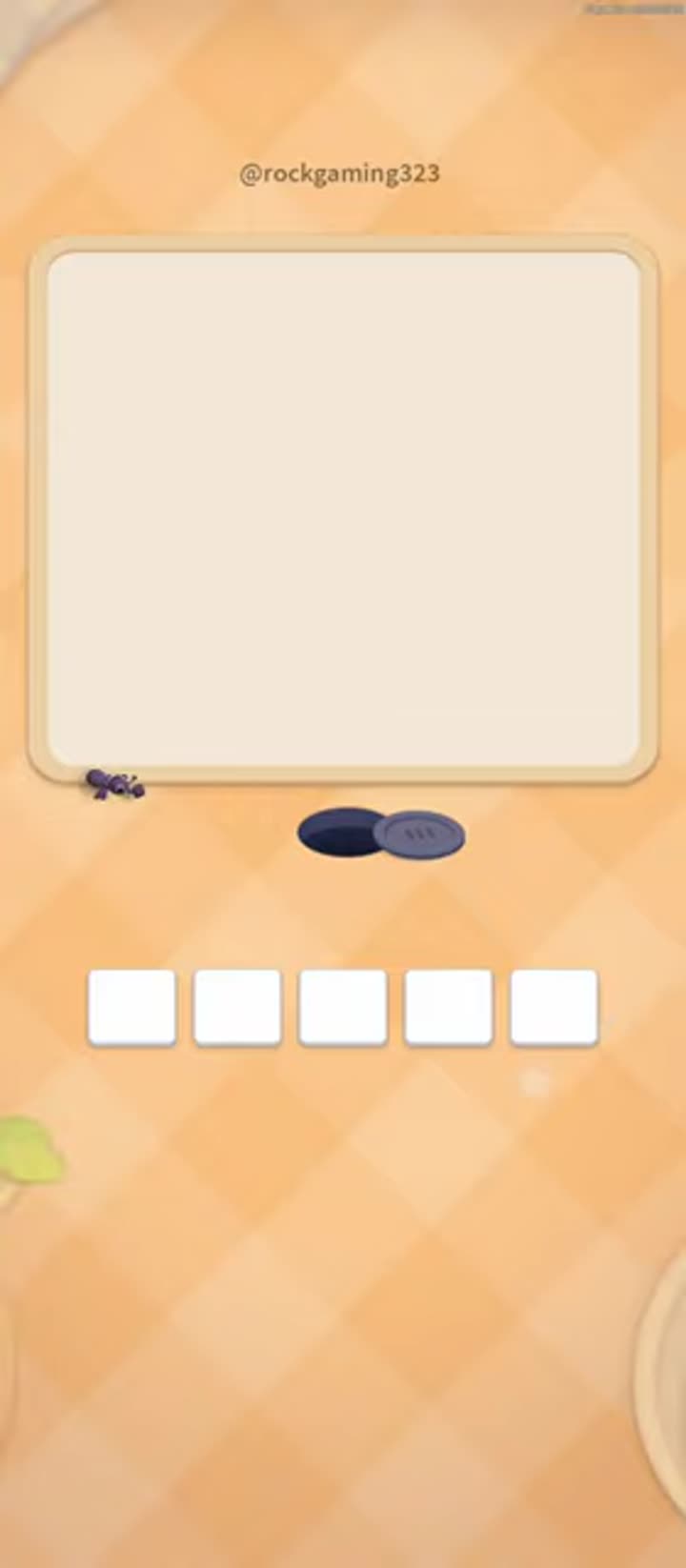
- Watch the board approach the cleared state: as the last orange and green tiles are carried away, the picture disappears completely and the level-complete overlay with five white input slots appears, confirming the finish.
Strategy & Reasoning
The removal order is dictated by the layer geometry: cyan covers the whole scene, red covers the frog, and green covers the bottom orange outline, so the sequence cyan → red → green → orange is the only order that keeps the ants on reachable tiles. Cyan is the strategic bottleneck — it is nearly half the picture, and the correct play is to give it a long uninterrupted run while using spare queue slots for the small trace colors that appear inside it. Starting green before the cyan and red are gone would waste ants on tiles that are still covered, and finishing orange early is impossible because the outline tiles are buried at the bottom. Because the level runs about four minutes, the speed-up button and queue discipline matter: an idle queue during a long cyan push wastes time, while a jammed queue forces a rescue with Magnet or Lightning.
Tips & Common Mistakes
- Running cyan and green at the same time jams the five slots and stalls the board. Finish the outer layers before starting the big body color.
- Ignoring the small trace colors until the queue is full leaves an unmatchable tile blocking the line. Clear every exposed accent color immediately with a free slot.
- Forgetting the speed-up button on the long cyan phase wastes minutes. Keep the 2x speed active for the whole background clear.
Key Frames