Brain Out 2 Level 19
📝 Walkthrough
Overview
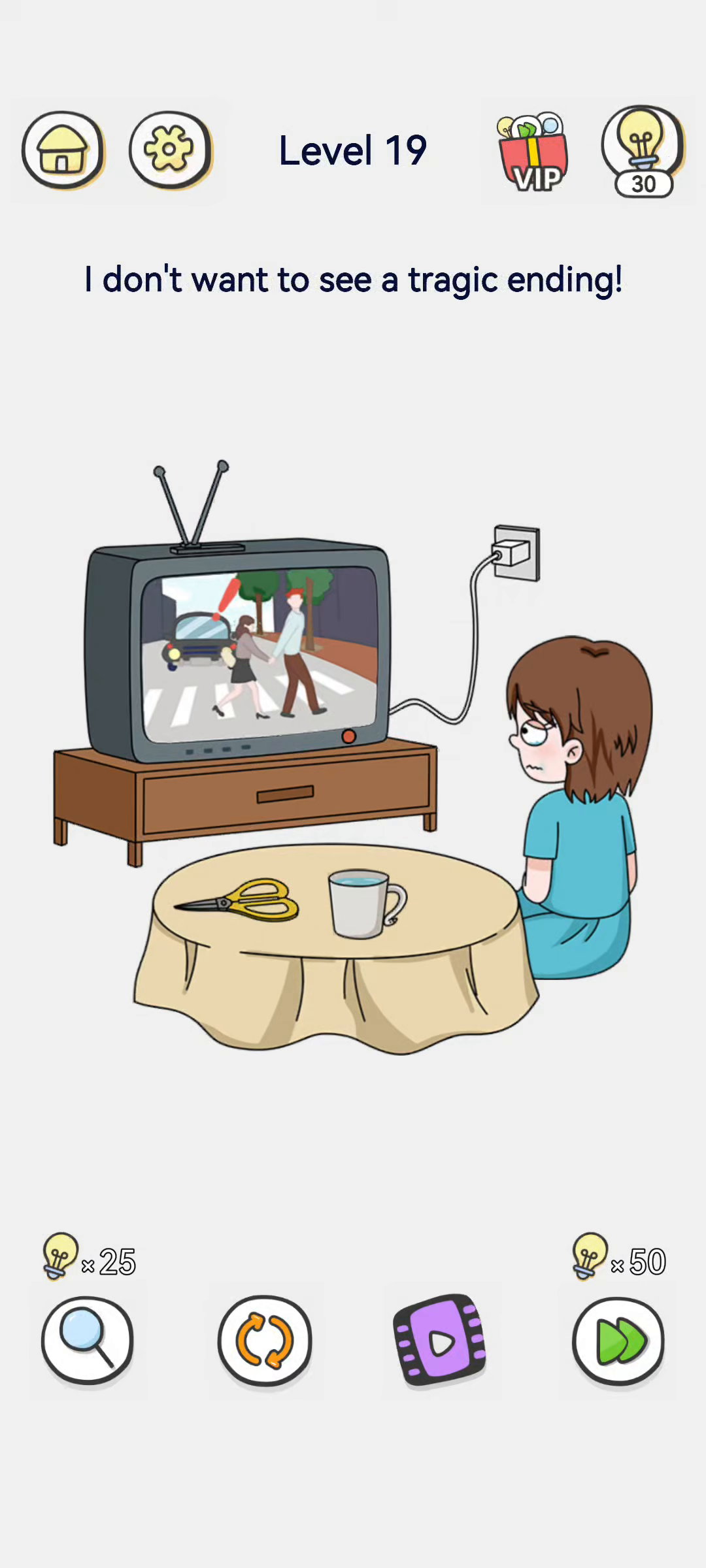
Level 19 says "I don't want to see a tragic ending!" A boy sits on the floor watching an old television. On the TV screen, a drama shows a couple about to cross a zebra crossing while a car is bearing down on them — a red warning mark shows the accident is about to happen. The boy looks upset. On the table there are scissors and a mug, and the TV plugs into a wall socket. Rather than changing the story, you simply have to switch the TV off before the tragedy plays out.
- Difficulty: Easy
- Estimated moves: 1
Step-by-Step Solution
- Understand the problem. The TV is showing a drama in which a car is about to hit the couple on the crossing. You do not want to watch the tragic ending.
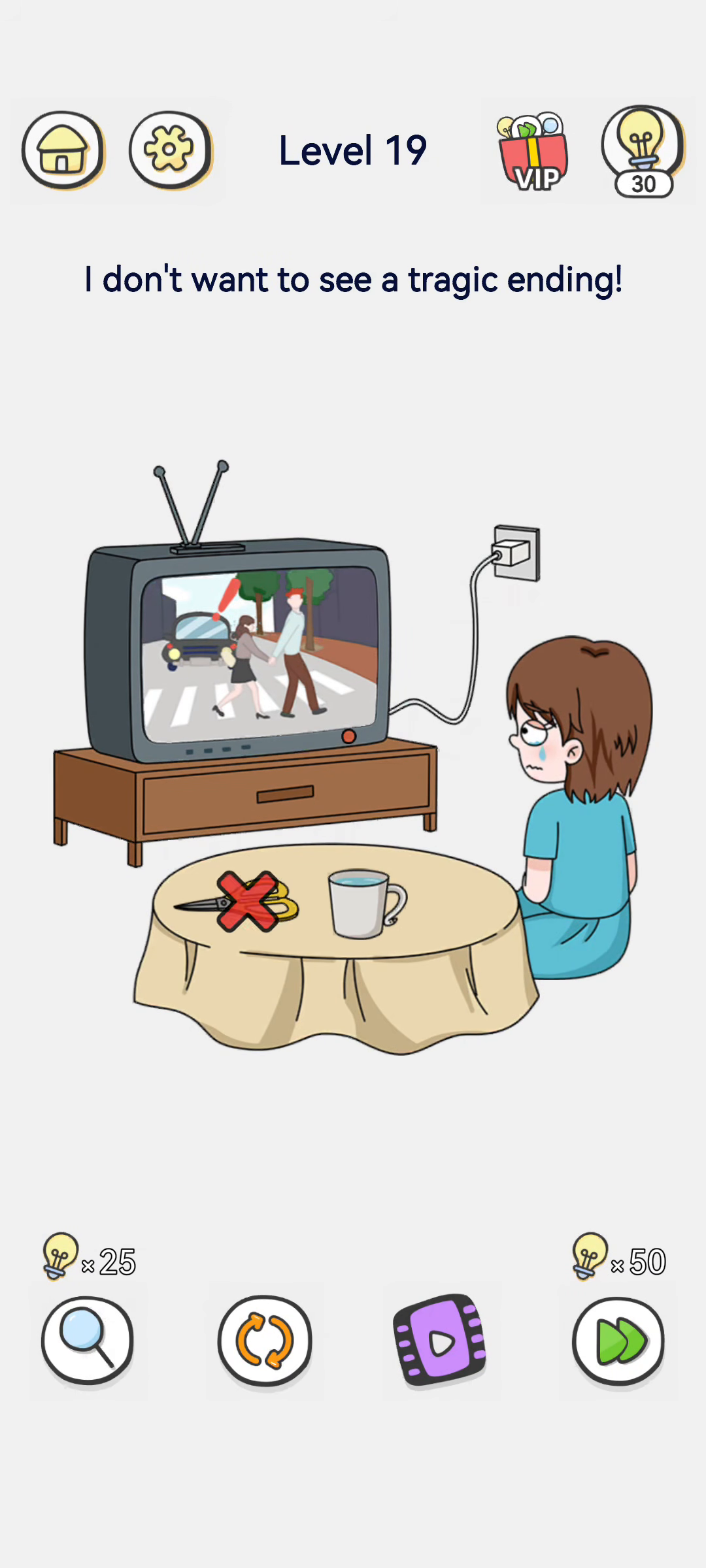
- Do not touch the scissors or the mug. They are props on the table and have nothing to do with stopping the story.
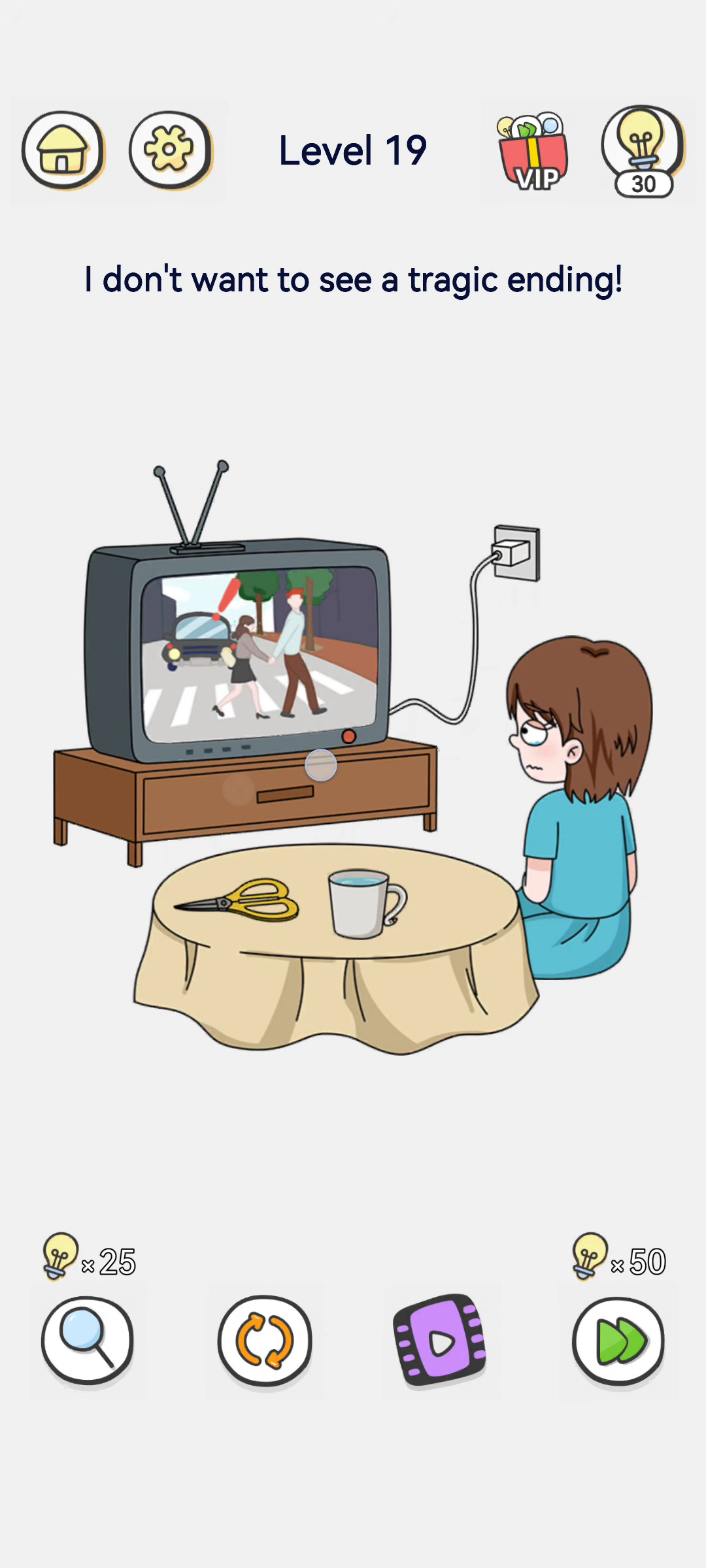
- Turn off the TV. Press the power button on the television (or unplug it) to switch the screen off.
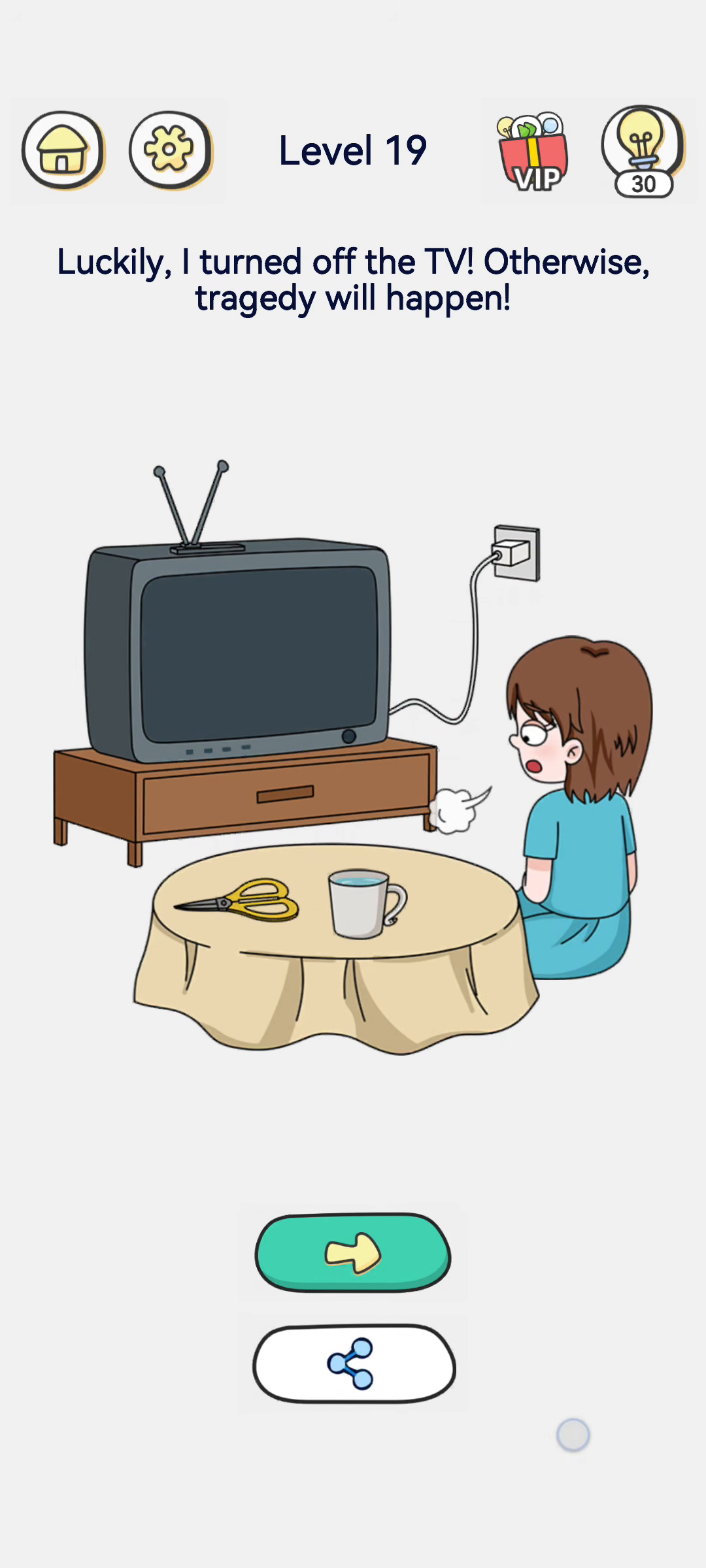
- The screen goes black. The TV display turns dark, and a little puff of smoke shows it has been switched off. The tragic scene disappears from the screen.
- Confirm the clear. The boy relaxes, and the prompt reads "Luckily, I turned off the TV! Otherwise, tragedy will happen!" The green next button appears.
Strategy & Reasoning
This level is a humorous fourth-wall joke. You cannot change what happens inside the TV drama — the car is about to hit the couple and the story is heading for a tragic ending. But the player controls the real-world TV, not the story. The only way to avoid seeing the tragedy is to turn the set off before it happens.
The reward line makes the logic explicit: "Luckily, I turned off the TV! Otherwise, tragedy will happen." By powering off the television, you prevent yourself from witnessing the bad ending. This is why the solution is so simple — there is no puzzle to solve inside the show, only an appliance to switch off.
The scissors, the mug, and the power cable are distractions. You might think you need to cut the wire with the scissors, but that is overcomplicated; pressing the TV's power button is enough. Once the screen goes black, the dramatic accident is no longer on display and the boy no longer has to watch it.
Tips & Common Mistakes
- Mistake: using the scissors to cut the cable. You do not need to cut the power cord. Just turn the TV off with its power button.
- Mistake: trying to change the scene on screen. You cannot warn the couple or stop the car from inside the drama. The story will unfold unless you turn the TV off.
- Mistake: doing nothing and waiting. If you let the scene play, the tragic ending happens. Turn off the television (screen goes black) — that is the whole solution.
Key Frames