colonyflow Level 26
📝 Walkthrough
Overview
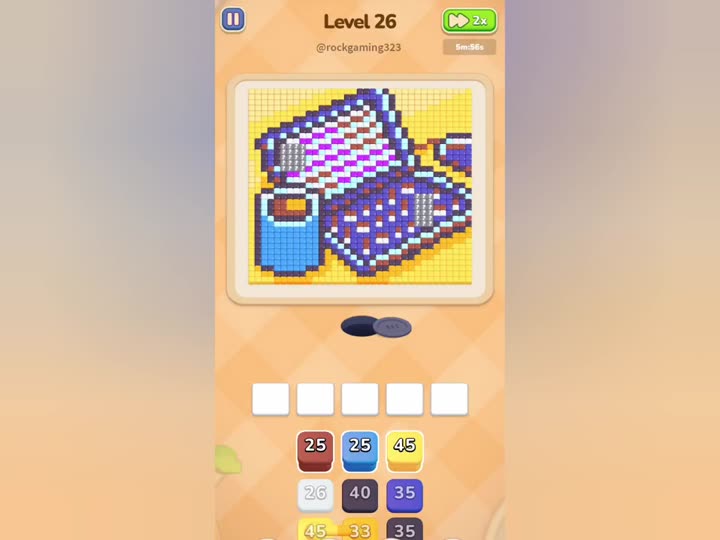
Level 26 is a Normal five-color stage whose target picture is a pixel-art checkered handbag: a large gray checkered body (about 62% of tiles), a blue phone peeking out (about 15%), a yellow background panel (about 12%), a red clasp (about 6%), and an orange strap detail (about 5%), with tiny purple, brown, pink, cyan and black trace accents. The goal is to clear every tile by tapping the number tiles at the bottom so ants carry each color away. Because the tiles are stacked, the gray checkered body must leave first, then the yellow background, with the blue phone, red clasp and orange strap finishing as the inner layers.
- Difficulty: Regular (Normal)
- Estimated moves: 35–55 taps
Step-by-Step Solution
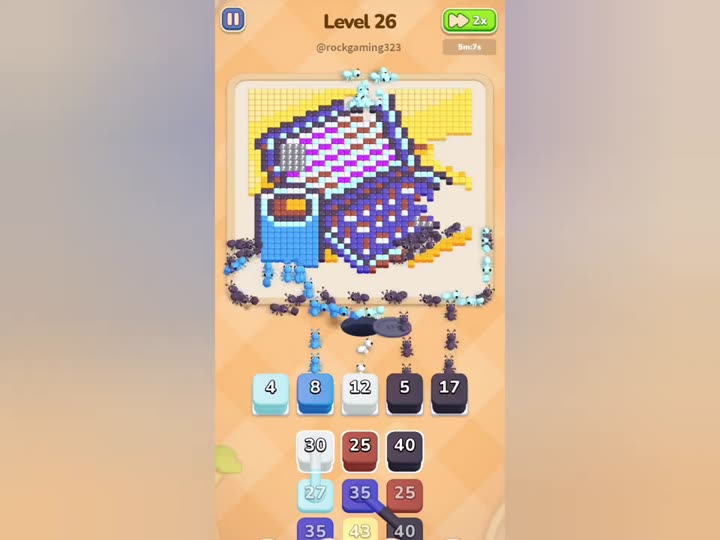
- Start by tapping the gray tile. Gray forms the checkered body of the handbag and sits on the outermost layer, so it is reachable immediately. This is the largest single area on the board, so this is the long opening stretch. Keep the queue pointed at gray in batches and use the 2x speed-up button in the top-right corner.
- While the gray carry is running, clear the tiny purple, brown, pink, cyan and black trace tiles opportunistically. They become reachable as the body comes off; tapping them whenever a slot opens keeps the ants busy without blocking a slot.
- Continue tapping gray until most of the checkered body is carried off. Do not switch to yellow until the gray is nearly gone; any leftover gray keeps covering the handbag and blocks the ants' path inward.
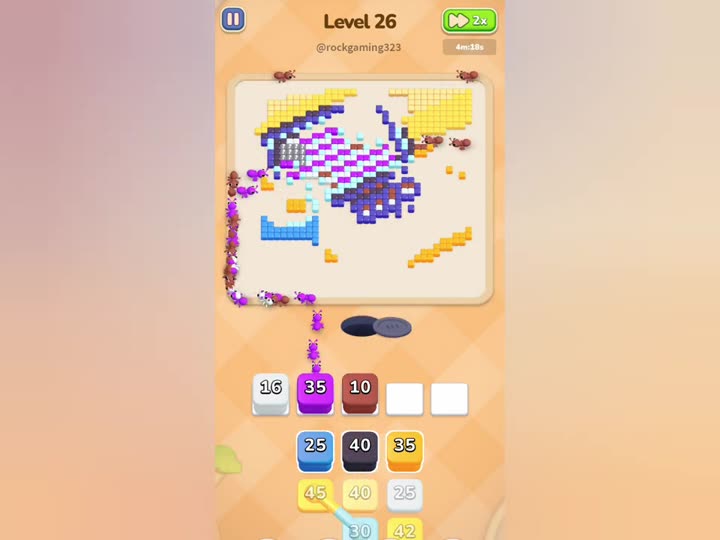
- When gray is mostly gone, tap the yellow tile. Yellow is the background panel behind the handbag and was covered by the body, so it only becomes reachable now. Clear yellow in one continuous push and keep an eye on the queue.
- Next, tap the blue tile. Blue is the phone peeking out of the handbag and is exposed only after yellow finishes. Sweep blue in a moderate push, keeping spare slots free.
- Then tap the red tile. Red is the clasp on the handbag; it becomes reachable once blue is gone. Clear red in small batches.
- Finish with the orange tile. Orange is the strap detail — the bottom layer — so it is the last color to be exposed. Because it is final, the queue can safely be filled with orange to speed up the finish.
- Keep the five-slot queue under active control: with five main colors plus trace accents sharing five slots, push one main color plus at most one small color at a time, finish a color before starting the next, and never jam all five slots with mixed colors.
Strategy & Reasoning
The level is built around the layered-stacking rule: a color that covers others must be carried away first, and the removal order measured in the solution video is gray, yellow, blue, red, orange, which matches the geometry of the handbag. Clearing the gray checkered body before yellow matters because it sits on top; tapping yellow first would leave that body buried. The queue is the bottleneck — five main colors plus trace accents share only five slots, and the worst mistake is pushing gray and blue at the same time, which leaves no room for the small traces and forces waiting. The efficient play is to alternate the huge gray body carry with the small yellow and trace colors so the ants are almost never idle. The 2x speed-up button should be active for the long gray checkered carry, since that single step accounts for most of the level's waiting time. If the queue jams, the Magnet tool pulls one whole color out of the line, while the Eraser is reserved for a single stuck tile.
Tips & Common Mistakes
- Tapping the blue phone before the gray checkered body and yellow background are gone is the classic mistake. The phone tiles are still covered, so the ants have no path to them; always clear the body first.
- Running gray and blue at the same time jams the five-slot queue and strands the small traces. Finish gray completely before starting blue.
- Ignoring the tiny purple, brown, pink, cyan and black traces leaves slots blocked for no reason. Clear them opportunistically whenever a slot is free, instead of saving them all to the end.
Key Frames