Brain Out 2 Level 135
📝 Walkthrough
Overview
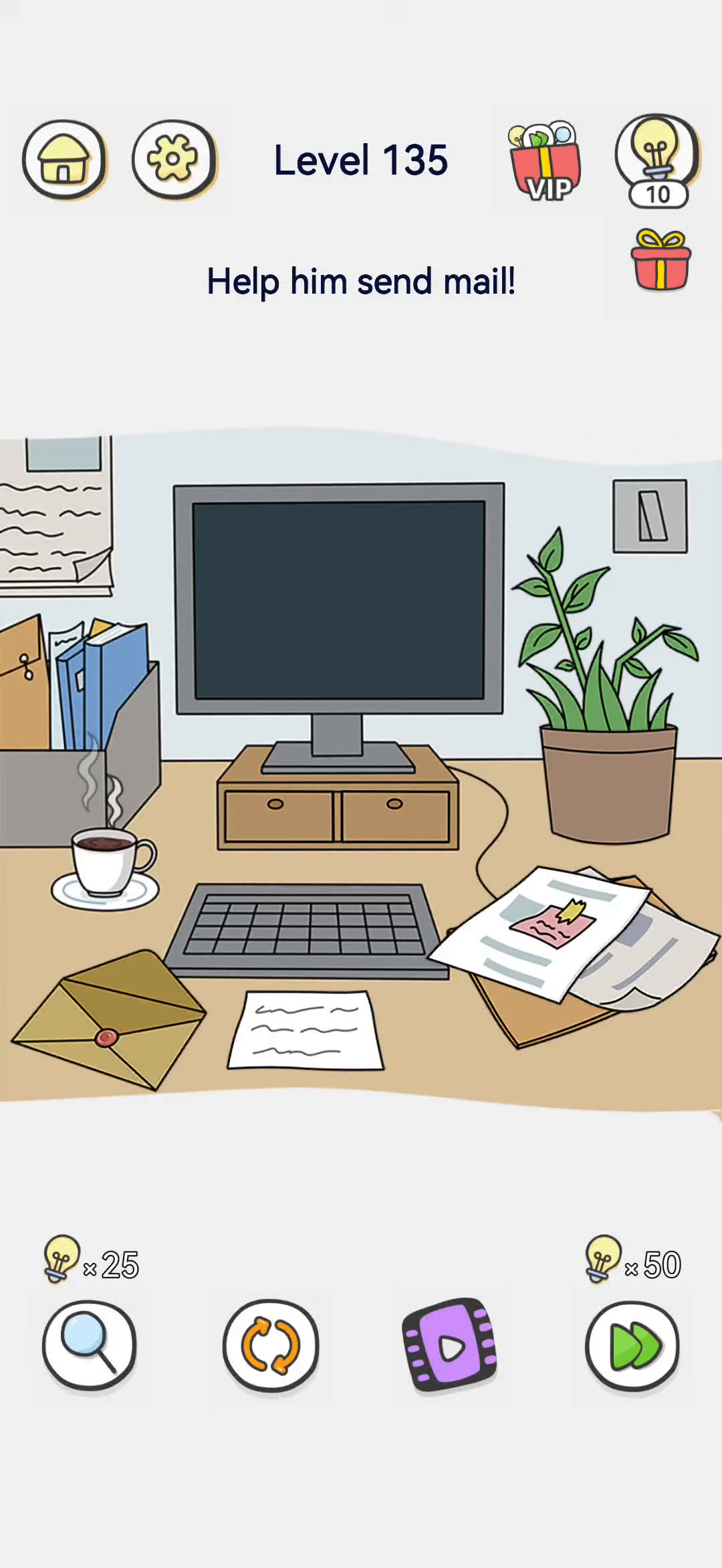
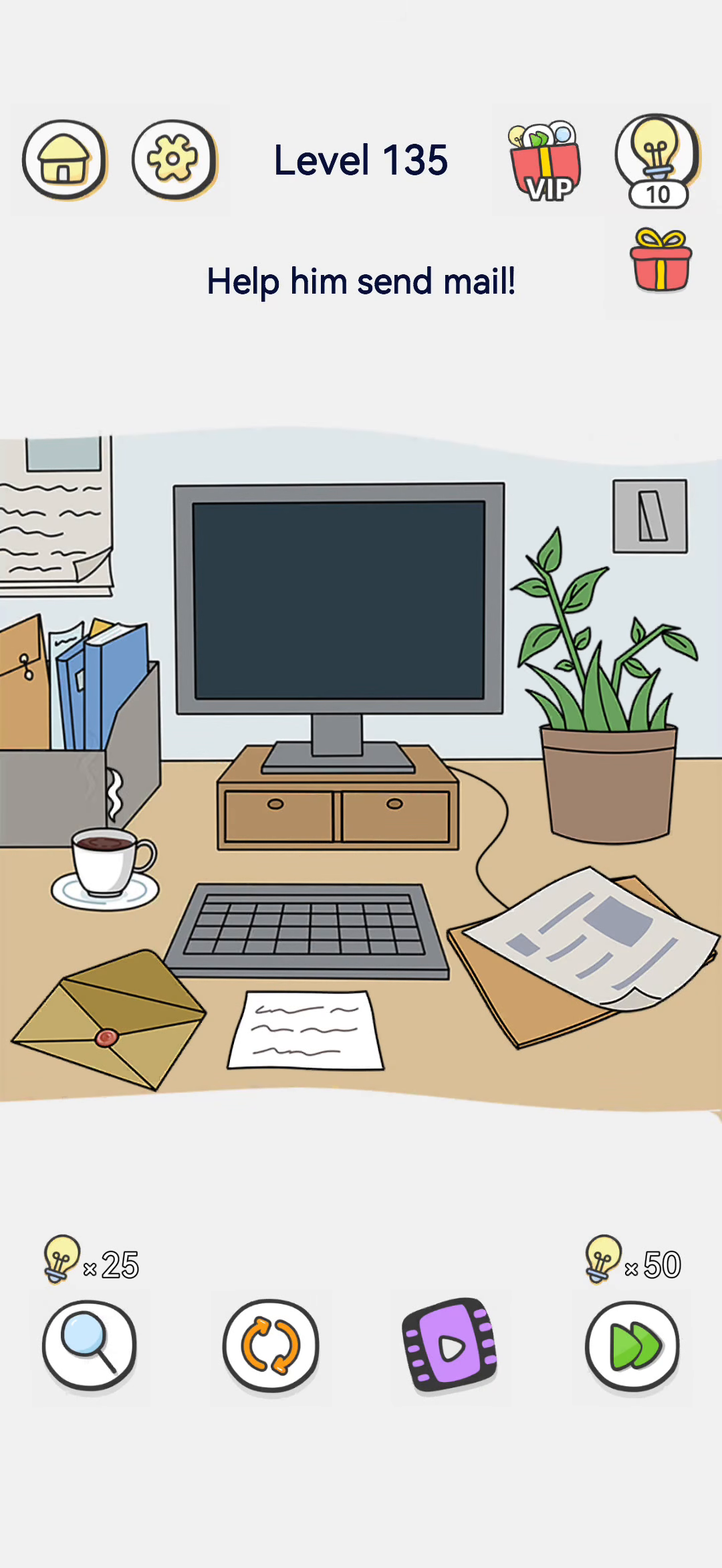
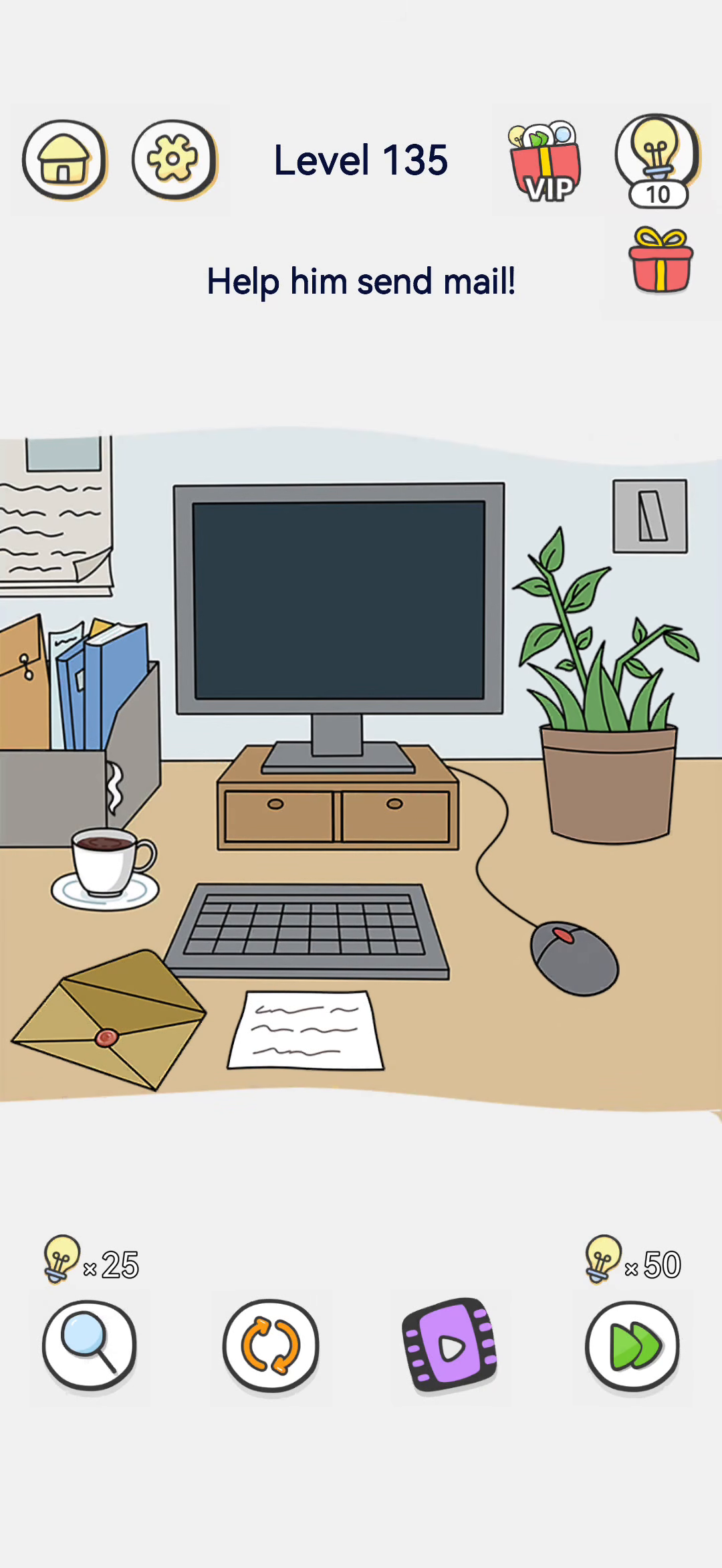
Level 135 says "Help him send mail!" On a cluttered office desk, the computer monitor is switched off and the screen is black. There is a keyboard, an envelope, a sheet of paper, a coffee cup, a file organizer, a potted plant, and a light switch on the wall. The victory line, "Sent successfully!", appears once the monitor lights up and the email is sent.
- Difficulty: Easy
- Estimated moves: 2
Step-by-Step Solution
- Notice the monitor is off. The screen is black, so you cannot send any email yet.
- Look for a power control. A light switch is mounted on the wall beside the plant.
- Flip the switch. This powers on the computer.
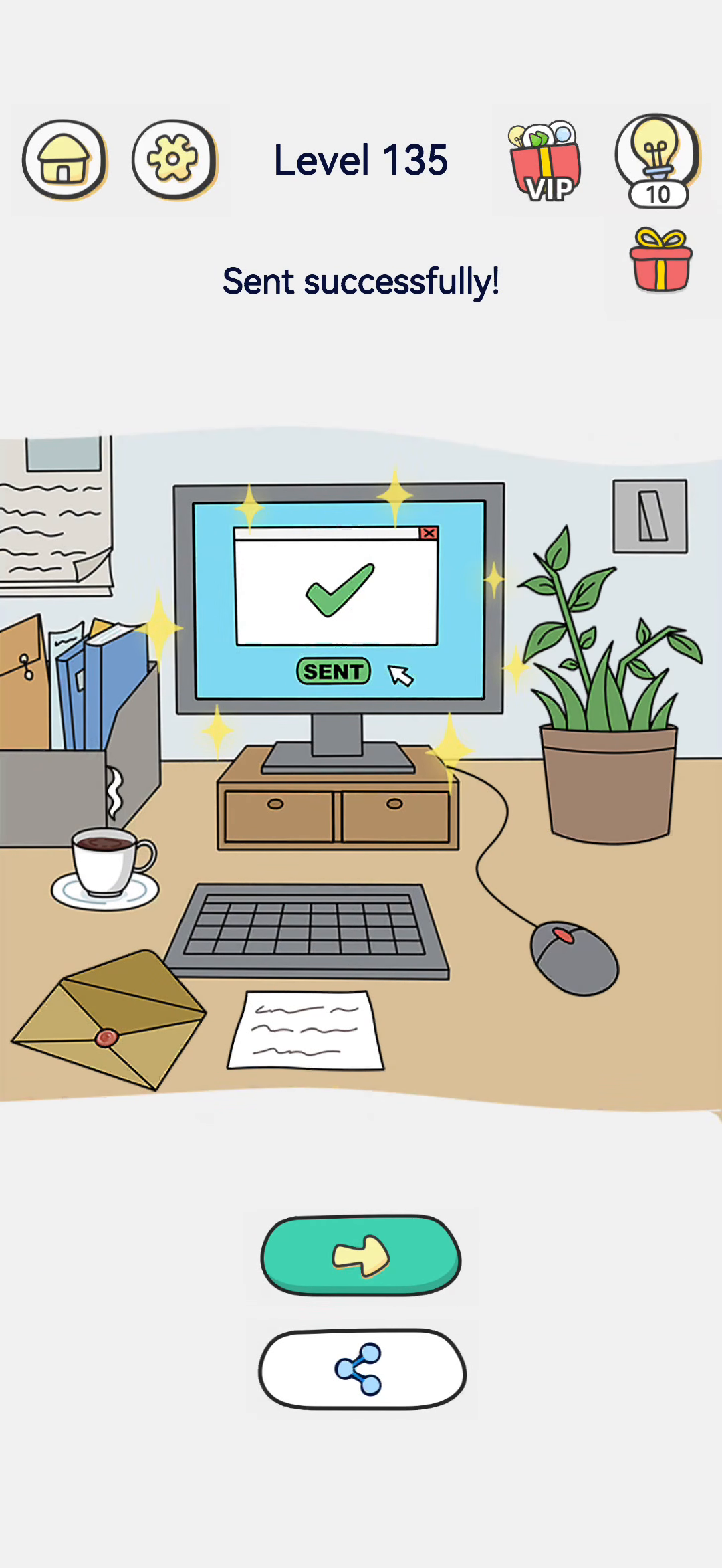
- The monitor lights up. The screen now shows a mail window with a green checkmark and a "SENT" button.
- Tap SENT. The email is sent. The screen says "Sent successfully!" and the level is cleared.
Strategy & Reasoning
This is a power-on puzzle. The obvious task is to send an email, but the computer is completely off. You cannot click anything on a black screen.
The hidden control is the wall light switch. Flipping it turns the monitor on, which brings up the email window. Once the mail window is visible, tapping the "SENT" button completes the task.
The envelope and the paper on the desk are decoys — you do not need to physically mail a letter or type anything. The computer was simply asleep/off; power it on and click send.
Tips & Common Mistakes
- Mistake: tapping the black monitor. Nothing happens while it is off.
- Mistake: trying to mail the paper envelope. This is an email, not a letter.
- Mistake: ignoring the wall switch. Flip the switch to power on the computer, then tap the SENT button on the screen.
Walkthrough Notes
The monitor is black, so you cannot send mail. The wall switch powers on the computer; once lit, tap the SENT button. The victory line "Sent successfully!" confirms it. Compare this with tapping the black screen: it is off. The switch is the power control.
Why It Works
The monitor is black, so there is nothing to click. The wall switch is the power control for the whole computer. Once the machine boots, the mail window appears with a SENT button. The envelope and paper on the desk are physical-mail decoys; this is an email. The cable on the floor and the plant are decoration. Powering on is the prerequisite step before any clicking.
Handy Reminder
If the monitor stays black after tapping, you may have missed the wall switch. The switch is on the wall, not the keyboard. Power on first, then the SENT button becomes clickable.
Quick Recap
If the SENT button still looks grey after powering on, tap the monitor area to focus the mail window first. The button only activates once the screen is lit and the email is on screen.
Key Frames