Brain Out 2 Level 112
📝 Walkthrough
Overview
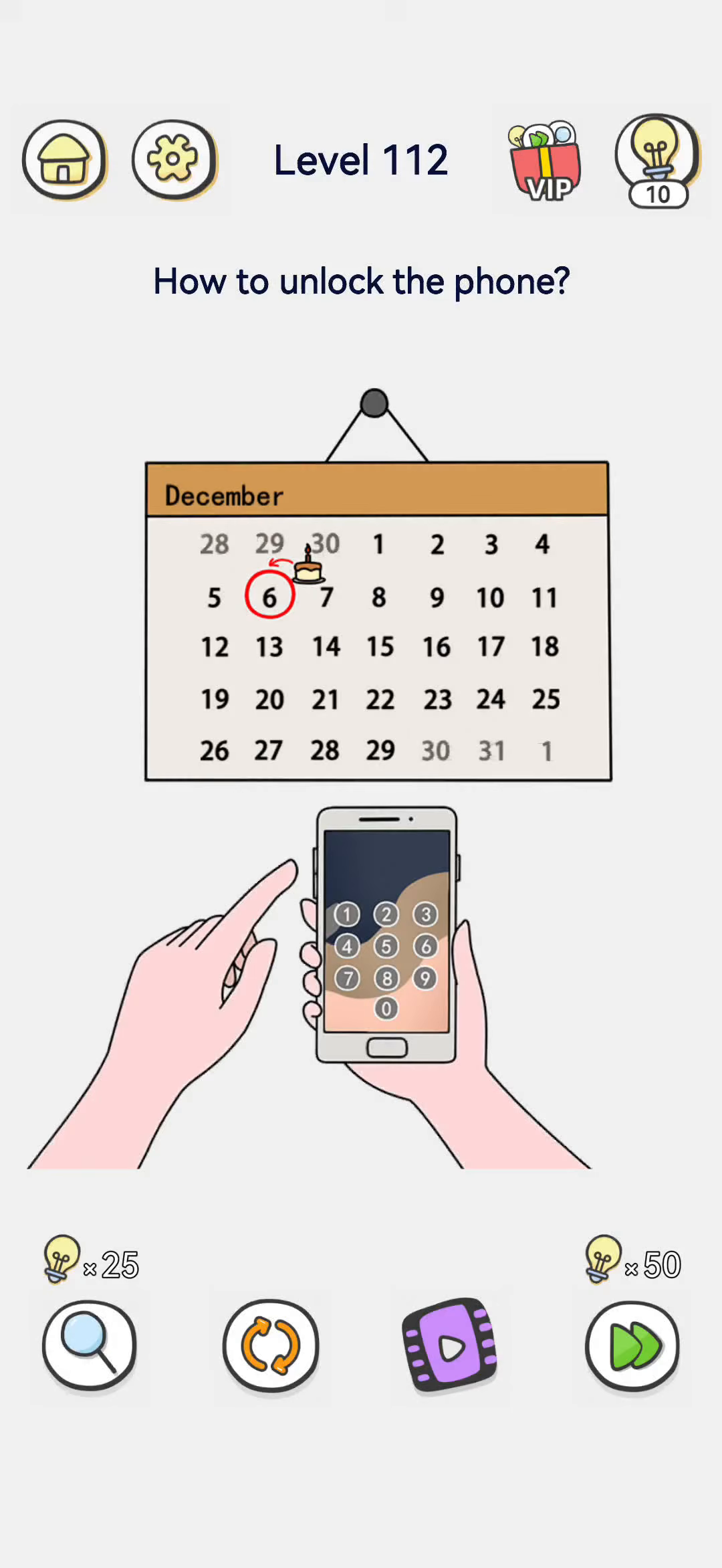
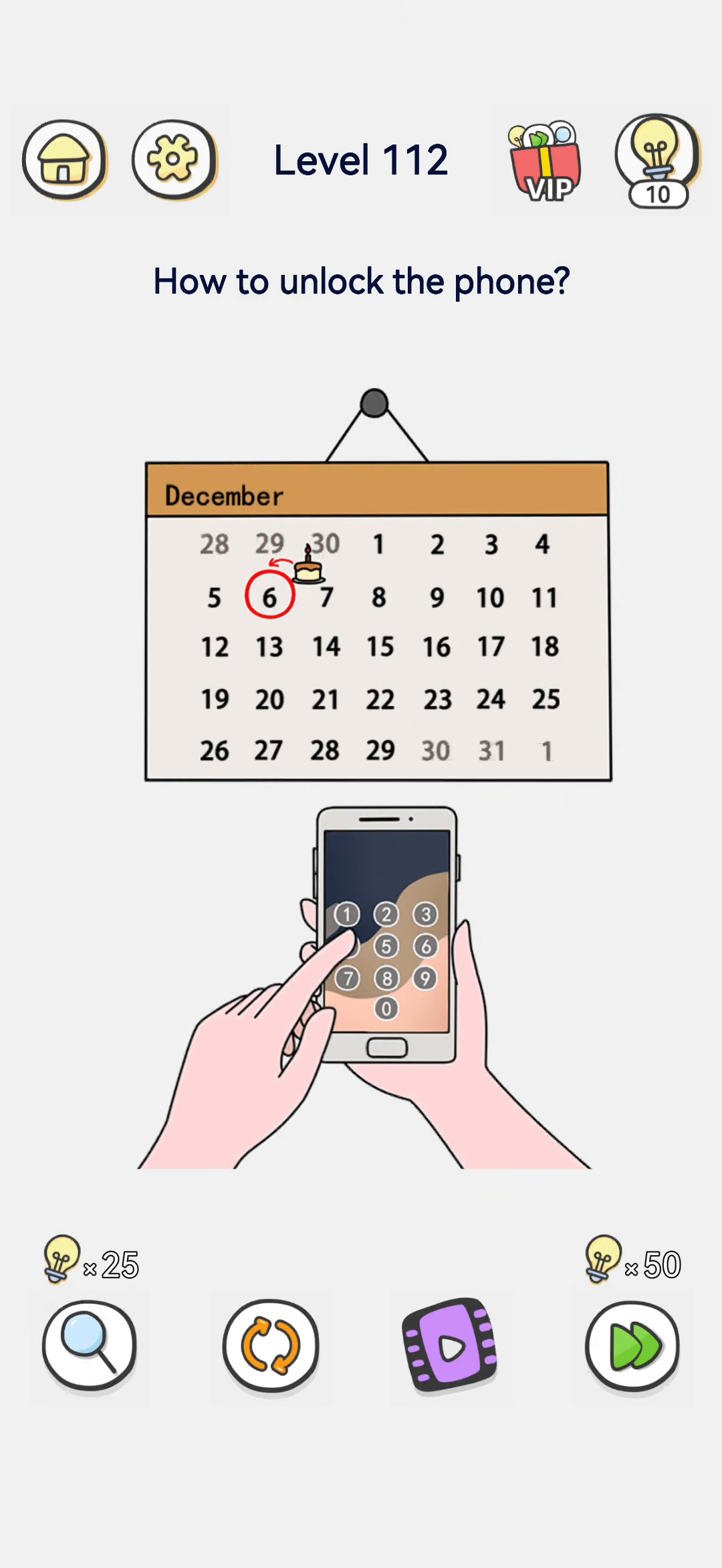
Level 112 asks "How to unlock the phone?" A hand holds a smartphone locked with a numeric keypad (digits 0–9). Above it hangs a December wall calendar with the 6th circled in red and a little birthday cake on that date, hinting the passcode might be a birthday. The other hand's finger hovers over the keypad. The victory line, "Unlocking with a fingerprint is much more convenient!", reveals that you should not type a code at all.
- Difficulty: Easy
- Estimated moves: 1
Step-by-Step Solution
- Notice the tempting clue. The calendar has the 6th circled with a birthday cake, which makes you want to guess a birthday passcode.
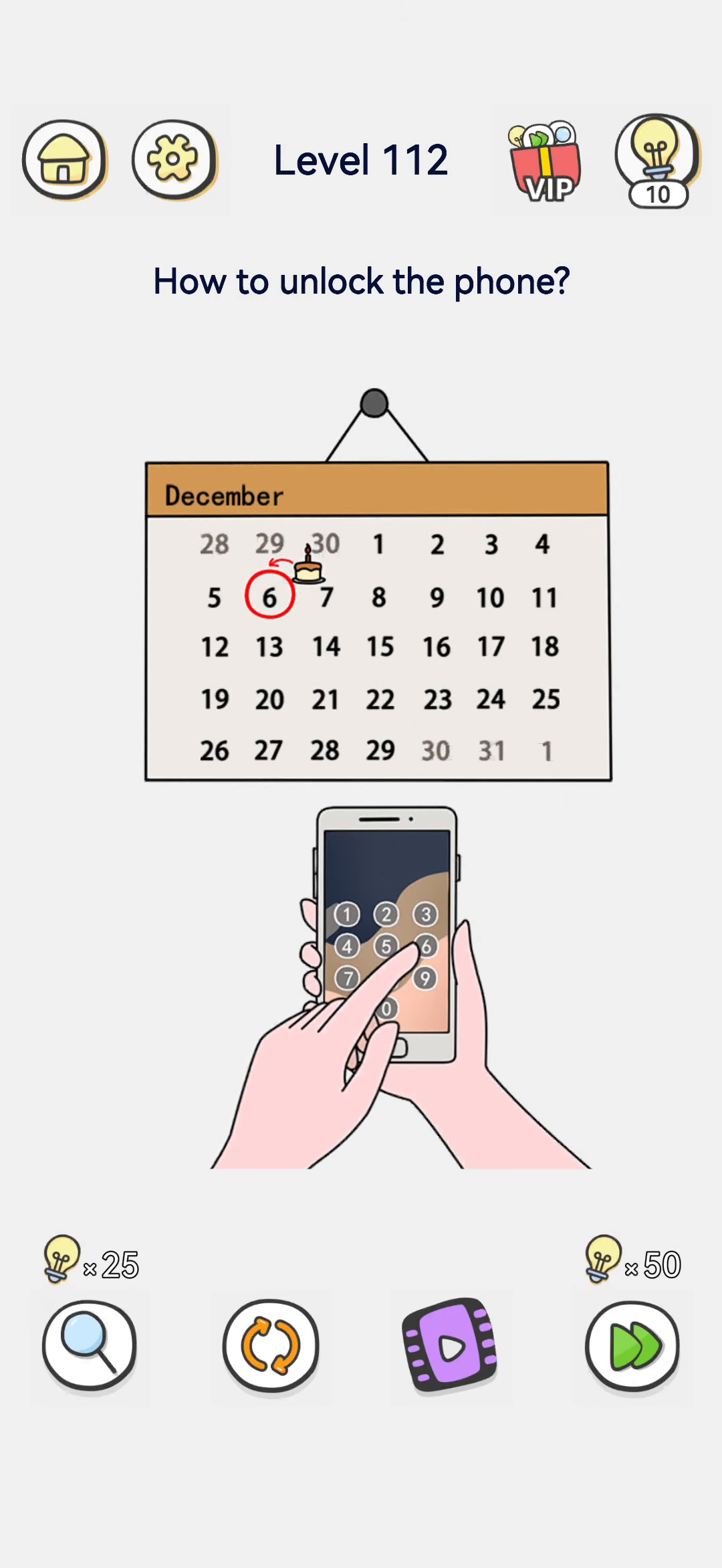
- Do not type numbers. The keypad looks like the obvious route, but it is a distraction — you do not know the real code.
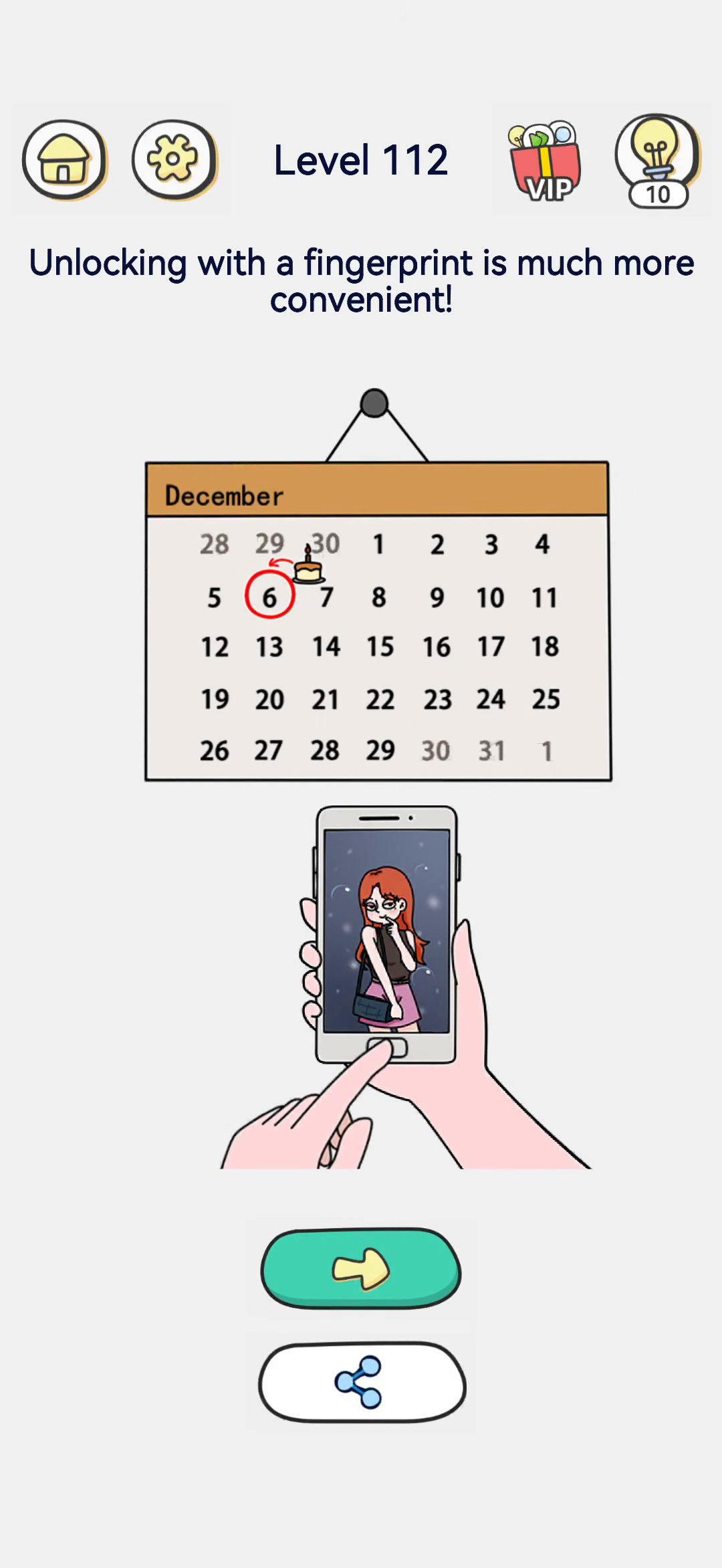
- Look at the phone's home button. Below the screen is a physical home button, which doubles as a fingerprint scanner.
- Press your finger on the home button. Touch the home/fingerprint sensor with your fingertip.
- The phone unlocks. The keypad disappears and the phone opens straight to the home screen showing a photo. The screen says "Unlocking with a fingerprint is much more convenient!" and the level is cleared.
Strategy & Reasoning
This is a "don't overthink it" puzzle. The calendar with the circled birthday is deliberately designed to make you type a date-based passcode, but no such code is actually given or needed. The game wants you to realize modern phones unlock by fingerprint, not by number.
The phone's home button at the bottom is the fingerprint reader. Rather than hunting for a four-digit password, you simply rest your finger on that sensor. The phone recognizes the print and opens instantly.
The joke is that the player wastes time reading the calendar and trying numbers while the easier biometric unlock is sitting right under their thumb. The lesson is to use the fingerprint sensor instead of guessing a code.
Tips & Common Mistakes
- Mistake: typing 6 or the birthday. The circled date on the calendar is a decoy; there is no number passcode to enter.
- Mistake: tapping the keypad. Do not bother with the on-screen digits.
- Mistake: missing the home button. Press your finger on the physical home button at the bottom of the phone (the fingerprint sensor). That unlocks it immediately.
Walkthrough Notes
The calendar with the 6th circled and a birthday cake tempts you to type 0606 or a birthday code, but the victory line "Unlocking with a fingerprint is much more convenient!" tells you the trick. Do not type anything. Instead, press the phone's fingerprint sensor (or use the resting finger) to unlock it biometrically. Compare this with guessing four-digit codes: the calendar is a decoy that makes you overthink. The phone already has fingerprint unlock; the whole point is to avoid the keypad entirely.
Why It Works
The keypad is shown in detail precisely to tempt you into using it. The calendar circle around the 6th, plus the tiny birthday cake, is the bait that makes you think the code is a birthday like 0606. But the caption at the end literally says fingerprint unlock is more convenient, which is the answer. Phones in this era routinely support fingerprint sensors, and the other hand hovering near the phone body is the cue to press the sensor rather than type. Resist the obvious numeric answer.
Key Frames