Brain Out 2 Level 195
📝 Walkthrough
Overview
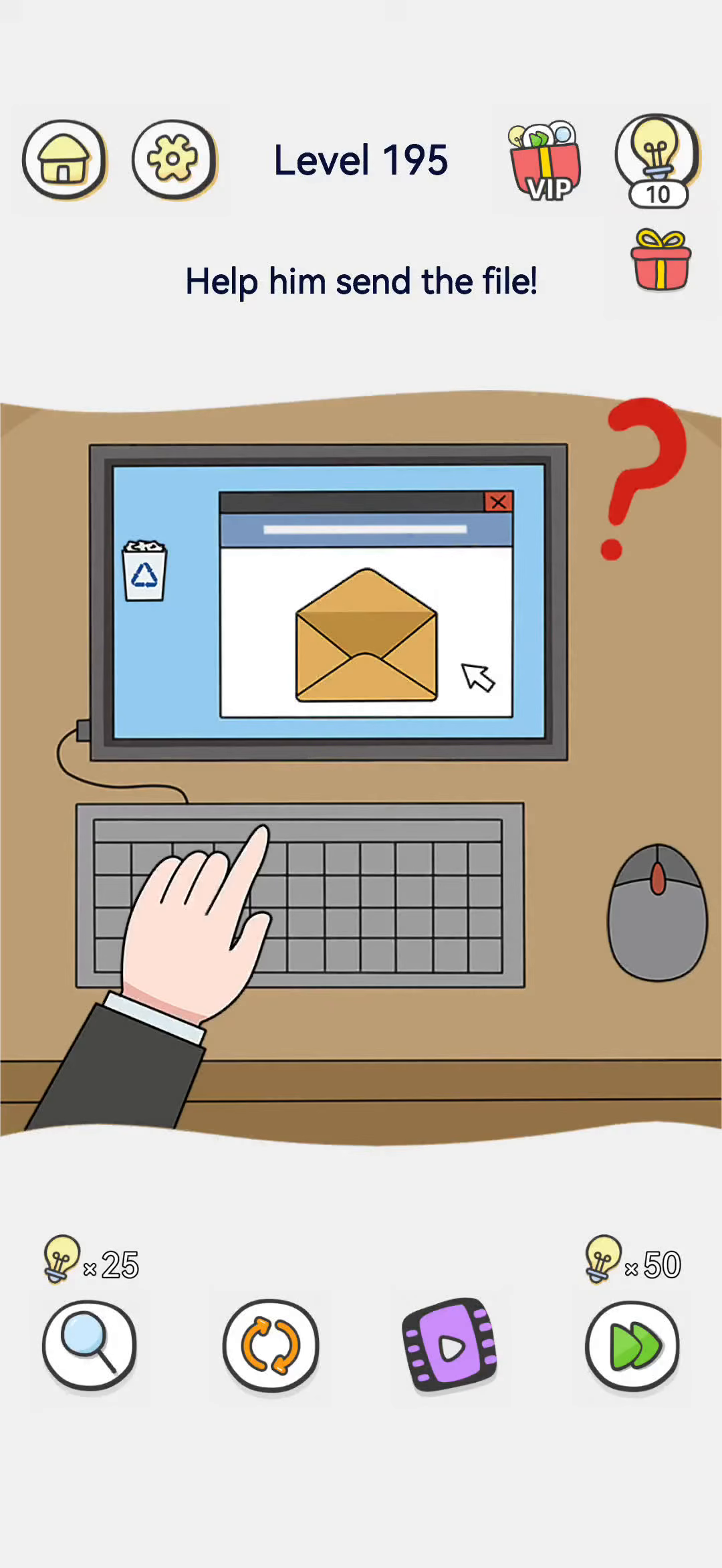
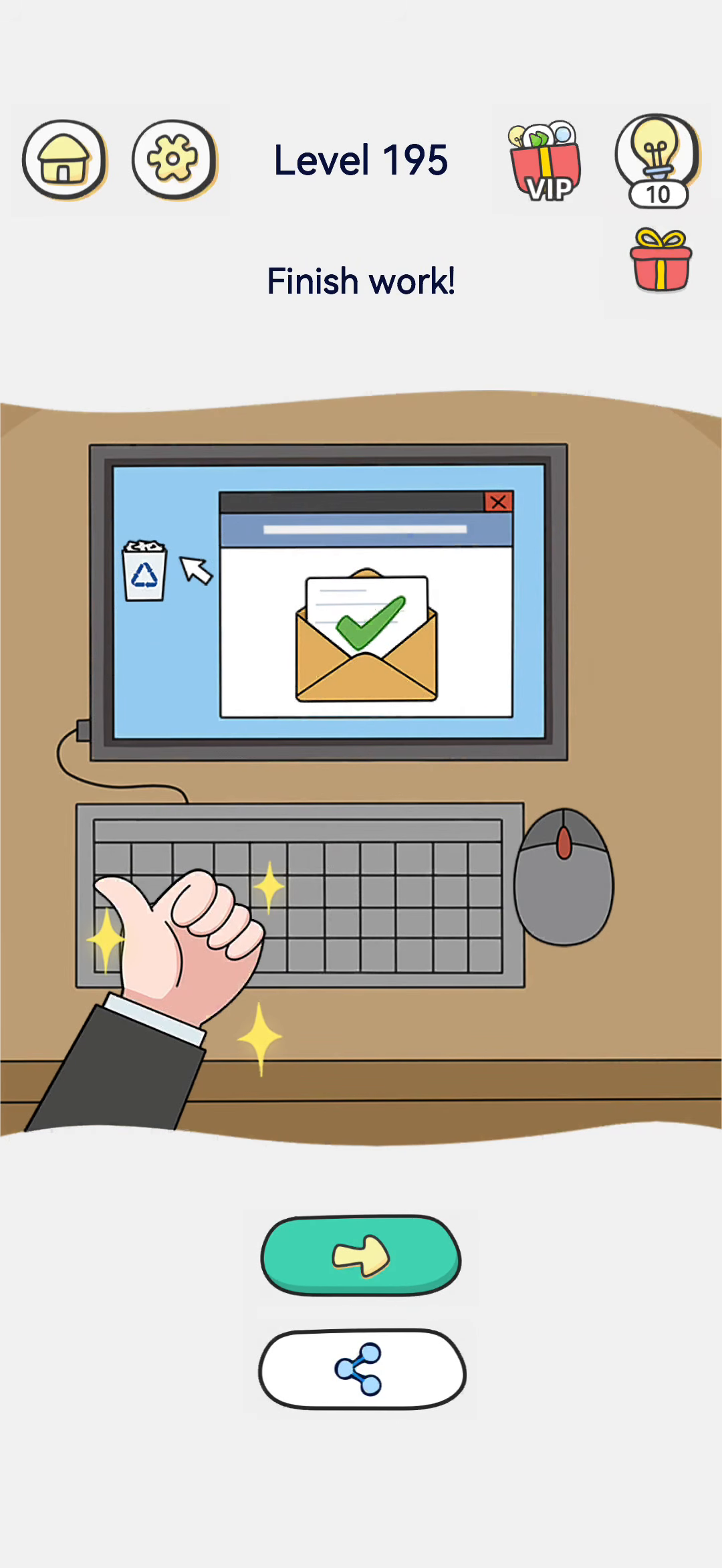
A computer screen shows an envelope in a mail window, a hand rests on the keyboard, and a mouse sits beside it. The prompt asks to help him send the file. The solved frame shows the envelope now with a green checkmark inside, the hand giving a thumbs-up with sparkles, and the message "Finish work!".
- Difficulty: Easy
- Estimated moves: 1–2
Step-by-Step Solution
- Look at the screen. The envelope in the mail window is the file or email that needs sending.
- Do not use the mouse or keyboard. Those are just scene dressing; there is nothing to type.
- Tap the envelope. Touch the envelope on the screen to send it.
- It is sent. The envelope gets a green checkmark confirming delivery, and the hand gives a thumbs-up. The "Finish work!" result appears.
Strategy & Reasoning
The file to send is the envelope shown in the mail window. There is no complicated attachment needed; tapping the envelope sends it. Once it is sent, work is finished.
The keyboard and mouse are just scene dressing; you do not need to type or click anything else. The envelope on screen is the send button itself. The green checkmark after tapping confirms the message went out, which is the whole task. The thumbs-up and "Finish work!" message signal the end of the workday.
Why is tapping the envelope enough? The computer screen already shows an open mail window with an envelope inside it, and the hand resting on the keyboard is just scenery. There is nothing to type and no attachment to add; the "file" to send is that on-screen envelope itself. Tapping it sends the message, and a green checkmark appears on the envelope to confirm delivery. The thumbs-up and "Finish work!" line signal the end of the taskday. Trying to click the mouse or move the envelope to the trash accomplishes nothing, because the envelope is itself the send button.
The computer screen already shows an open mail window with an envelope inside it, and the hand resting on the keyboard is just scenery. There is nothing to type and no attachment to add; the file to send is that on-screen envelope itself. Tapping it sends the message, and a green checkmark appears on the envelope to confirm delivery. The thumbs-up and closing line signal the end of the workday. Trying to click the mouse or drag the envelope to the trash accomplishes nothing, because the envelope is itself the send button.
In short, the mail window is already open on the sent message, and the only missing gesture is tapping the envelope itself. Once the checkmark appears, the workday is over, so do not overcomplicate it with the keyboard or mouse.
Tips & Common Mistakes
- Correct: Tap the envelope on the screen to send it.
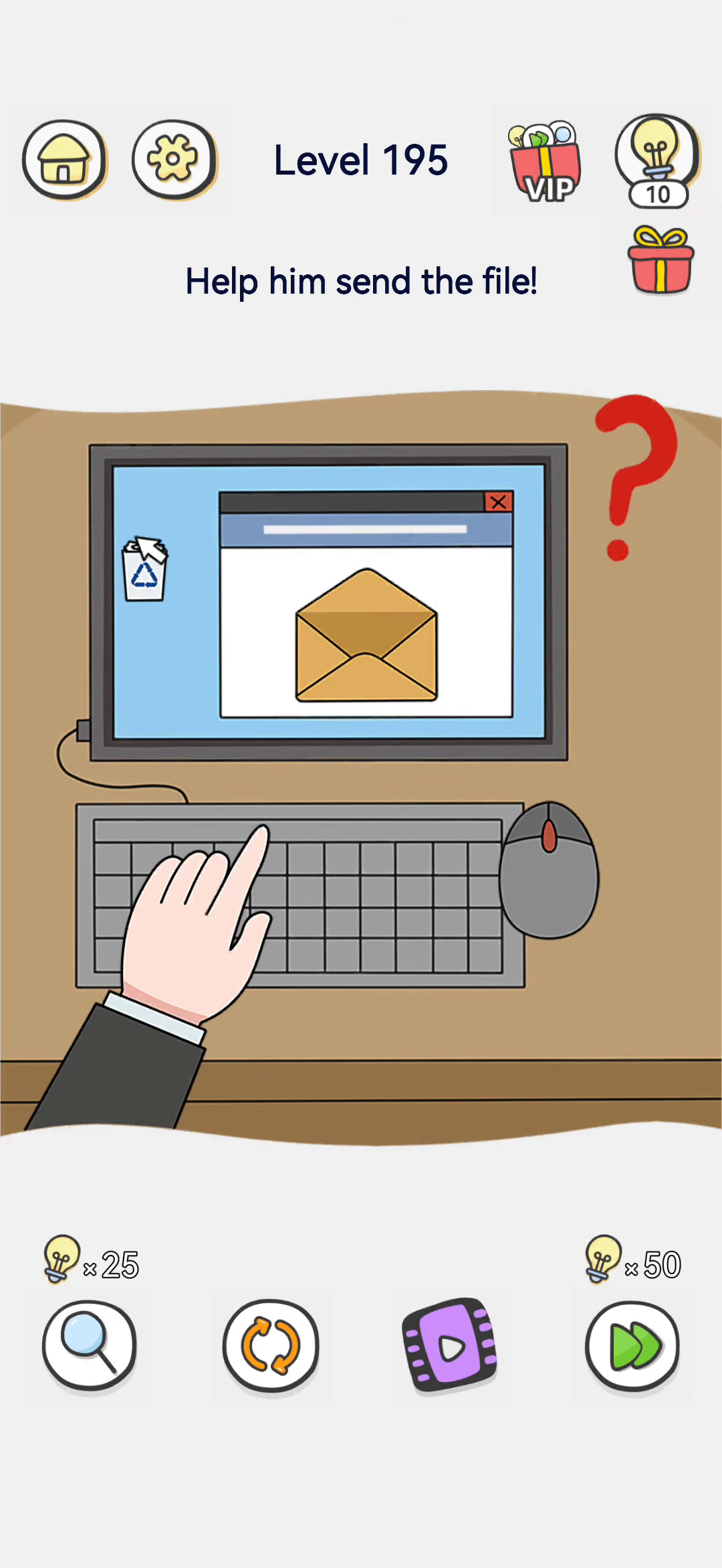
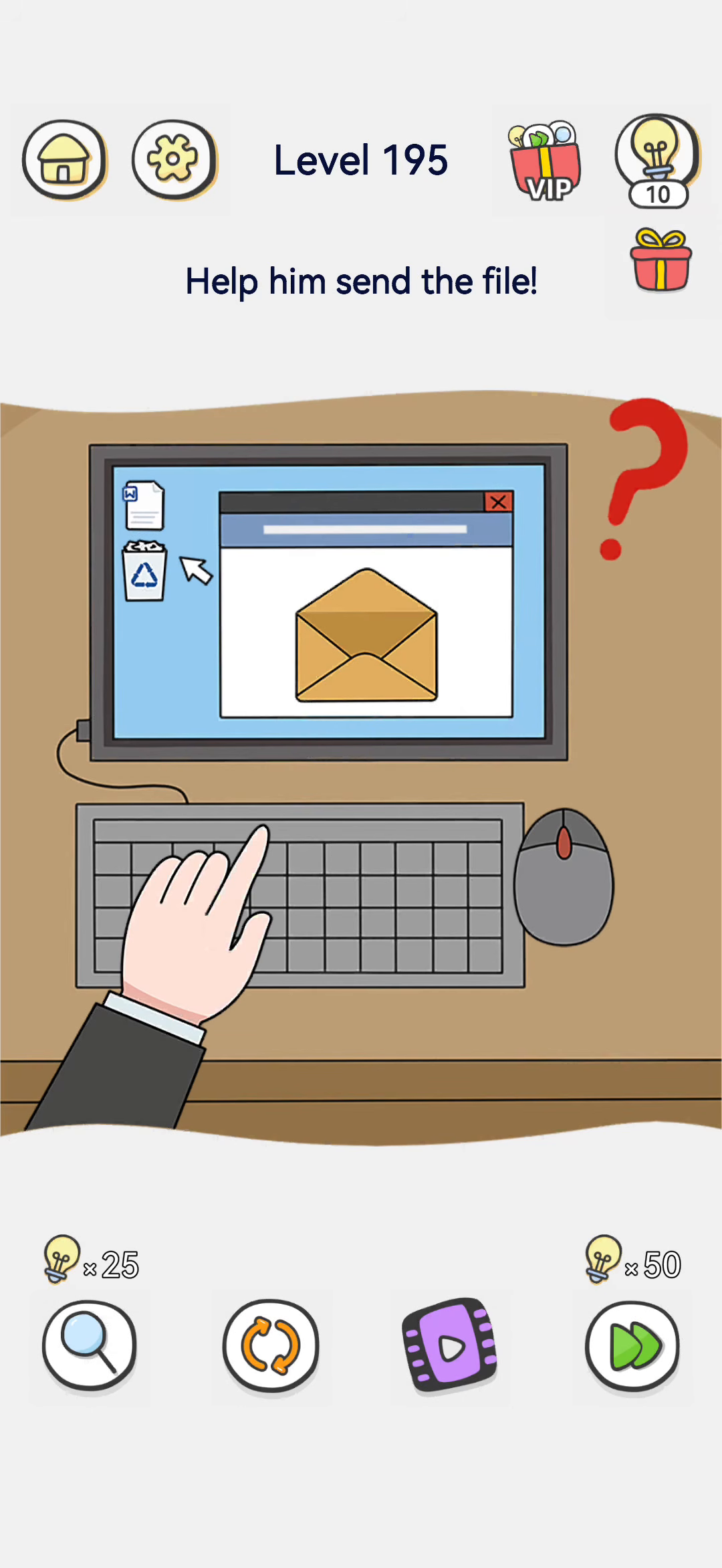
- Mistake: Do not drag it to the trash or fiddle with the mouse.
- Troubleshooting: If nothing happens, make sure you tap the envelope itself.
- Result: Once the envelope shows a checkmark, the level clears.
Key Frames